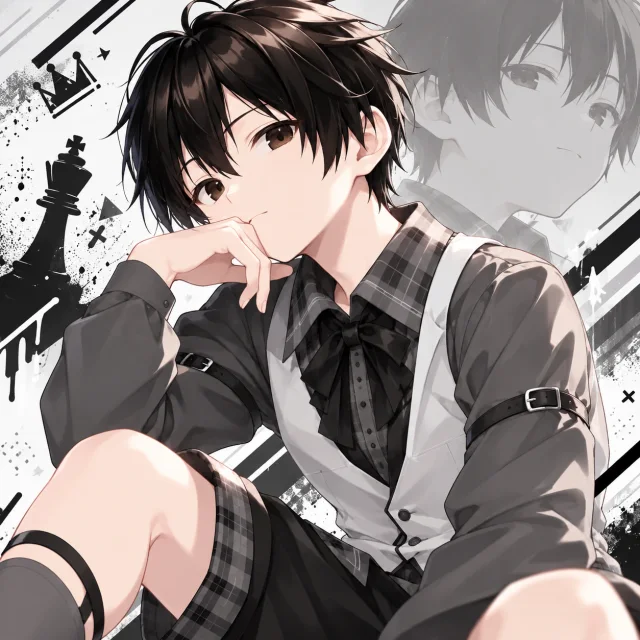
Roku
Calm strategist · "Your move."
Dry humor, sharp timing, never rattled by a raid.

Streamling puts an animated Pal on your stream. It reacts to follows, subs, raids, donations and chat, plays games with your viewers, and feels like part of the show.
Everything happens on your PC and in your stream. There's nothing for your viewers to install.
Follows, subs, raids, Bits, Super Chats, memberships and donations each get their own animation and an on-screen alert.
Viewers earn points on every platform and spend them on rewards, like making your Pal dance. Twitch channel points work too.
Guess the Reaction, Treasure Hunt, Pet Race and Chat Dodge, plus Boss Battles where chat teams up to win.
Your Pal says thank-yous and call-outs out loud. The optional voice pack runs entirely on your PC.
Your Pal, alerts and game panels sit on a transparent overlay, or in an OBS Browser Source. You choose where everything goes.
Daily goals, quests and achievements. As your community levels up, it unlocks new outfits and dances.
Each Pal has its own personality, outfits and voice.
Calm strategist · "Your move."
Dry humor, sharp timing, never rattled by a raid.
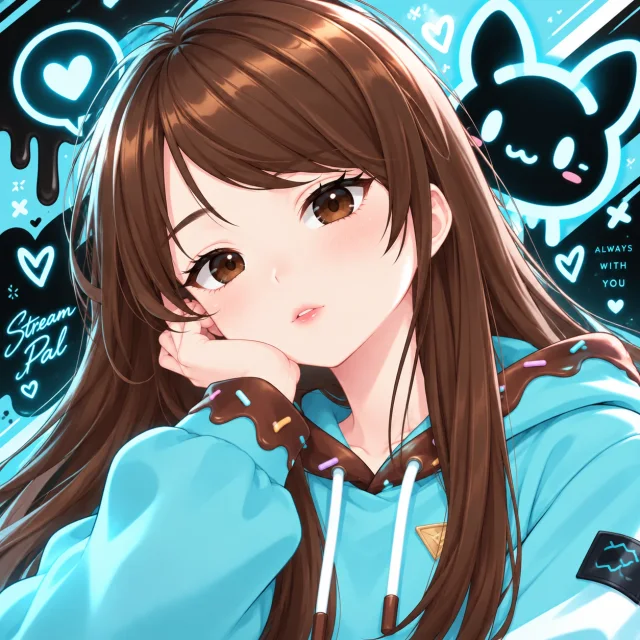
Cozy co-host · "Always with you."
Soft-spoken and loyal. Keeps the stream cozy and notices every regular.
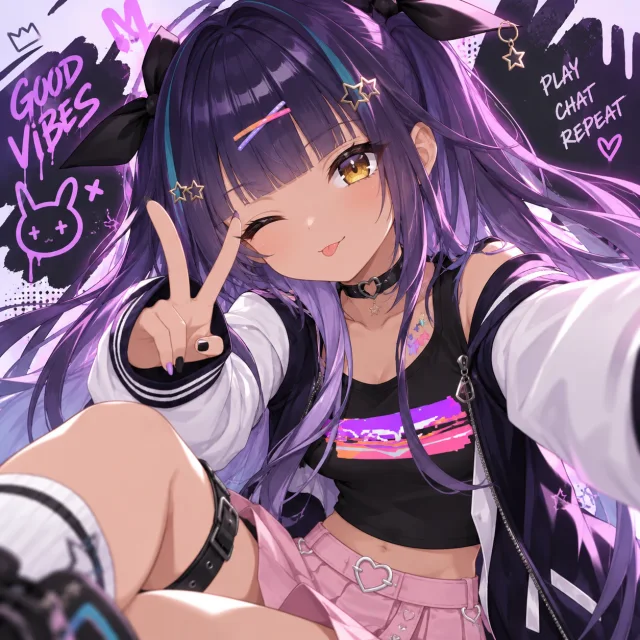
Hype engine · "Play. Chat. Repeat."
All energy, all the time. First to cheer a sub, loudest in a Boss Battle.
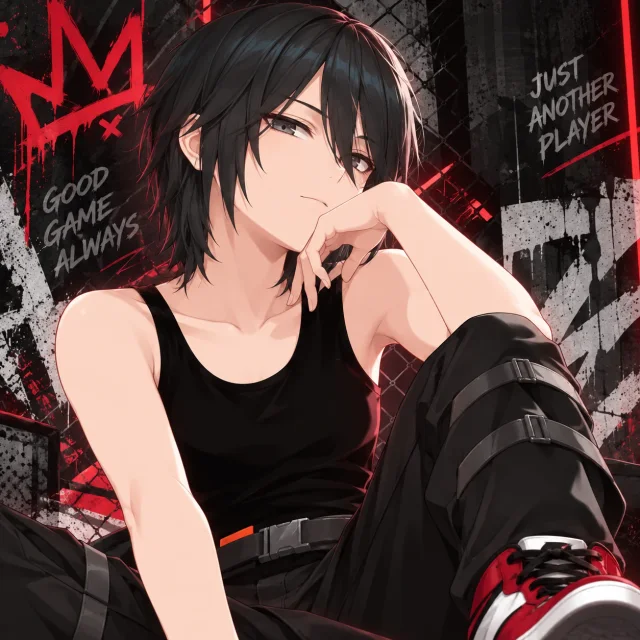
Competitive edge · "Good game, always."
Competitive and cool-headed. Lives for clutch plays and ranked grinds.
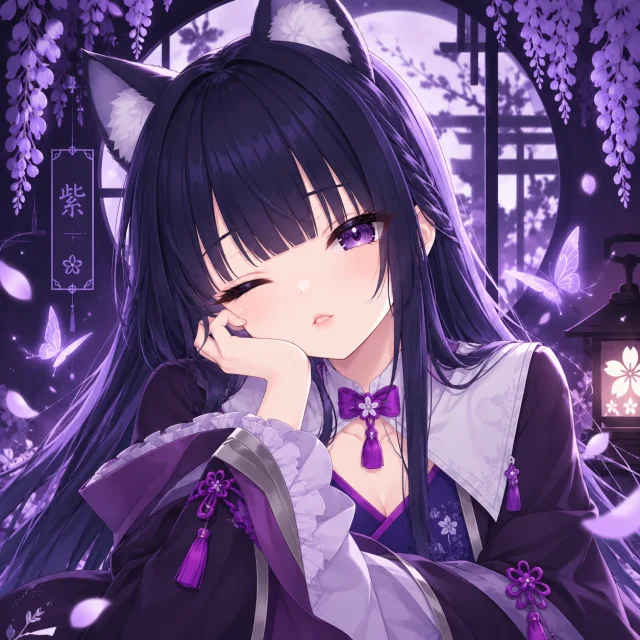
Gentle spirit · "The night garden is quiet."
Serene between moments, radiant when chat lights up.
Download Streamling for Windows 10 or 11 and create a free account.
Log in with Twitch, YouTube or Kick, and Streamlabs for donations. Each one is optional.
Add the overlay in OBS, pick your Pal, and start streaming. Your Pal does the rest.
You choose which platforms to connect, and you can disconnect any of them at any time.
The full details are in our Privacy Policy.
Questions, partnerships or press? We'd love to hear from you.